Ask Teacher is a direct messaging feature that lets students ask you questions about specific worksheets. This creates a direct communication channel while they're working on assignments.
Key Information
Key Information
- Students can message you directly from any worksheet
- Messages appear in your dashboard with notifications
- You can respond while spectating their work
- Best used for clarifications and general questions
- Students should try Ask Lexa first for content help
What is Ask Teacher?
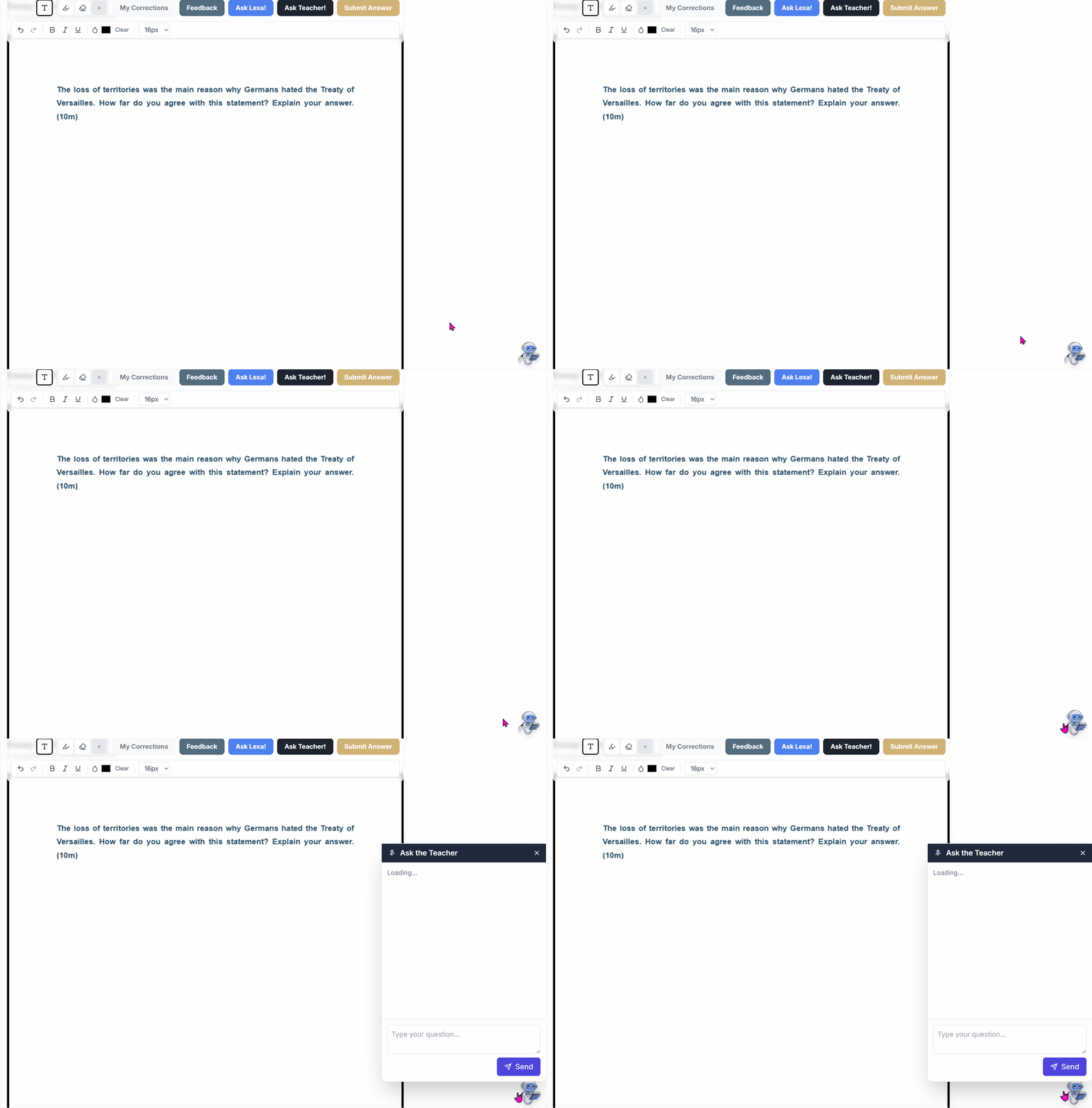
Ask Teacher is a direct messaging feature where students can ask you questions about specific worksheets they're working on.
How Students Use It
- Student clicks Ask Teacher while viewing a worksheet
- Types their question (e.g., "I don't understand part b")
- Message appears in your dashboard with notification badge
- You can respond from the same screen while spectating their work
Where You See Messages
- Notification badge appears when students message you
- While spectating - Messages appear in the spectate view
- Teacher chat widget - Access all student conversations from anywhere in your dashboard
How Ask Teacher Fits into the Help System
The complete student help flow:
- Student tries the question (encouraged approach)
- Gets stuck → Uses Ask Lexa for hints
- Still needs help → Uses Ask Teacher for clarification
- Submits answer → Receives Lexa feedback instantly
- Later → Receives your feedback and final score
This creates layers of support while maintaining your role as the primary educator.